Cinematic and Stylized looks
Two one-click tools that make a scene look finished without shaders or baking. Both run in real time on any GPU, including integrated graphics, and one Ctrl+Z undoes everything they did.
Cinematic Post-Processing
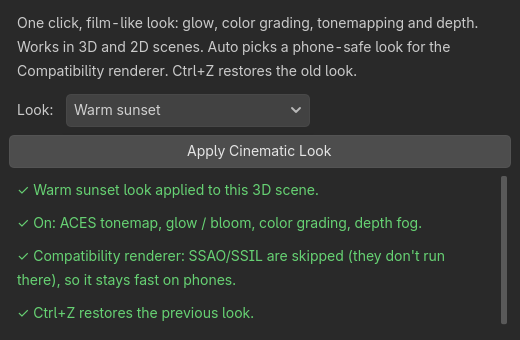
Project > Tools > Gaminode: Cinematic Post-Processing, choose a look, then Apply Cinematic Look. It adds a WorldEnvironment if the scene has none, or updates the one you have.
| Look | What it does | Best for |
|---|---|---|
| Auto | Mobile safe on the Compatibility renderer, PC high otherwise | Not sure? Use this. |
| Mobile safe | Glow, color grading, filmic tonemap. No SSAO or fog, so it stays fast. | Phone games, older laptops |
| PC high | Adds SSAO and SSIL depth, ACES tonemap and light depth fog | Desktop games on a dedicated GPU |
| Warm sunset | Orange sky and fog, warmer colors, softer glow | Racing, adventure, calm scenes |
| Cool night | Dark blue sky, lower exposure, stronger bloom, blue fog | Night levels, neon, horror |
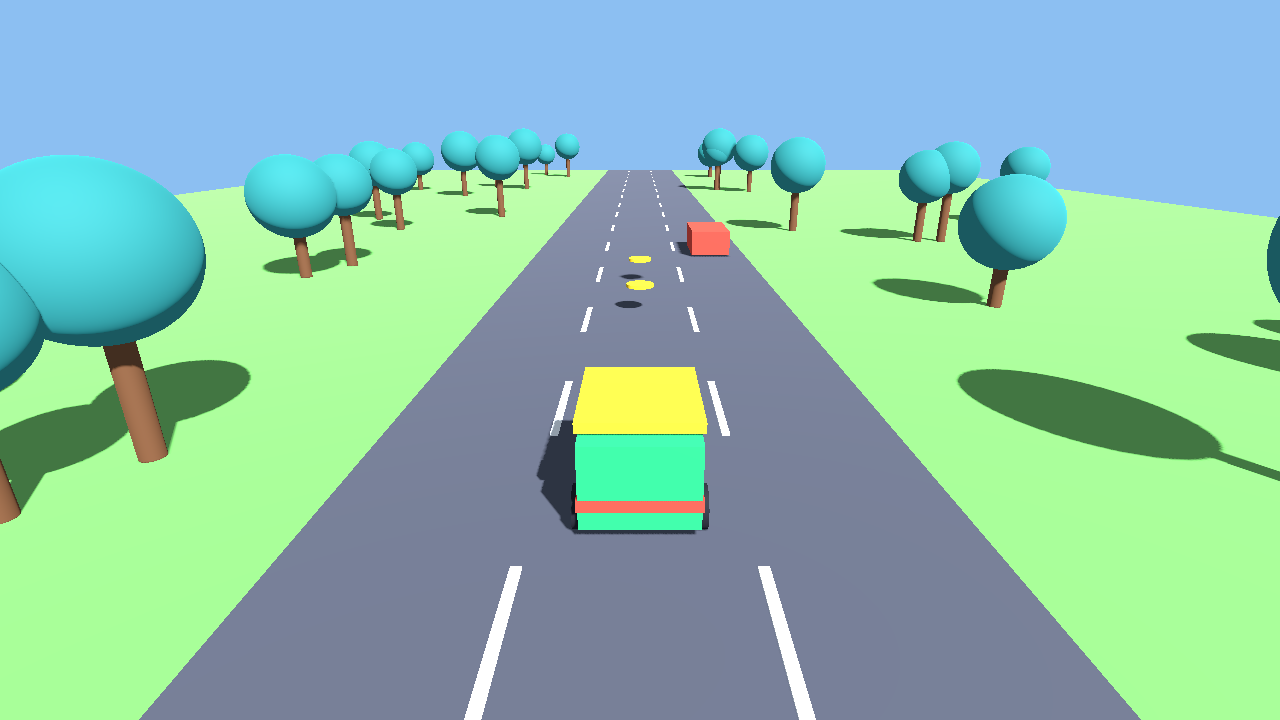
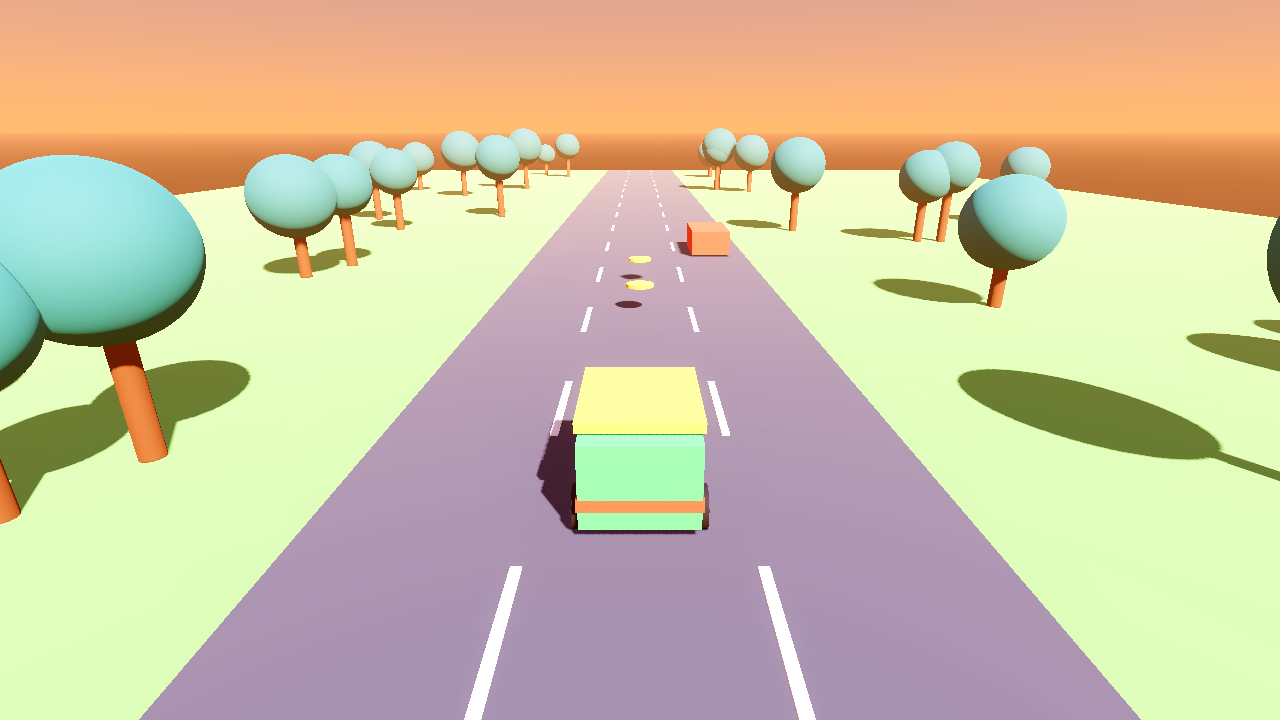
In 2D scenes
A 2D scene gets 2D glow and color grading on a canvas background instead of the 3D effects. Glow shows on bright colors: set a sprite's Modulate above 1 (for example 1.5) to make it shine.
Stylized Render Setup
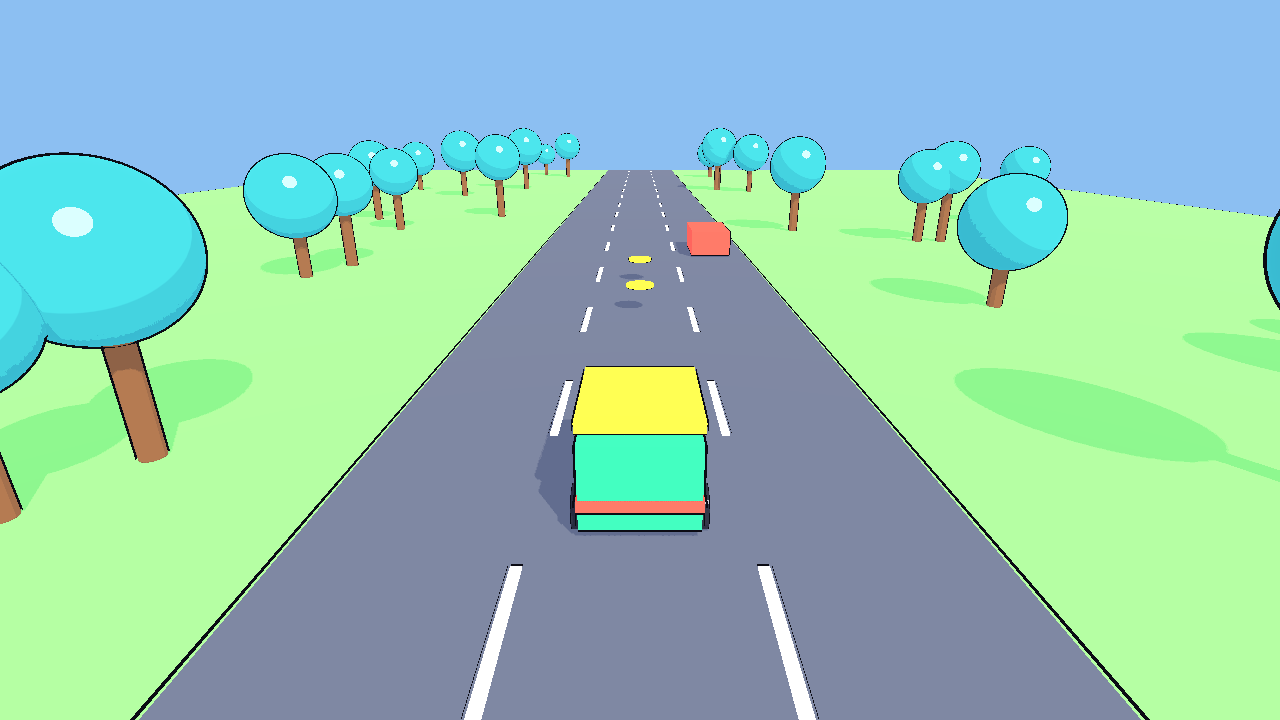
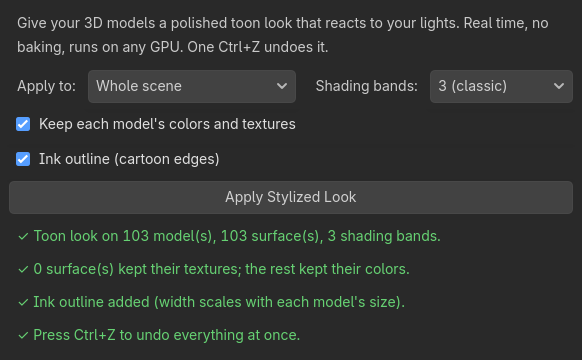
Project > Tools > Gaminode: Stylized Render Setup gives 3D models a toon look that reacts to your lights.
| Option | What it does |
|---|---|
| Apply to | The whole scene, or only the selected nodes (and the meshes under them) |
| Shading bands | 2 (bold), 3 (classic) or 4 (soft) steps from light to shadow |
| Keep each model's colors and textures | Uses each surface's own color and texture inside the toon shader |
| Ink outline | A dark cartoon outline; its width follows each model's size |
It writes two shaders into your project, gaminode_toon.gdshader and gaminode_outline.gdshader. Every model shares them, so editing one changes the look everywhere. If the scene has no sun, it adds a DirectionalLight3D named Sun, because a toon look needs a light.
Something wrong or missing on this page? Email gaminodeofficial@gmail.com.