Your first game with AI
In this tutorial you write one line, check what the AI understood, and get a complete game project: main menu, level select, 10 levels that get harder, a HUD, a pause menu and phone controls. Then you play it, change it by chat and open its scenes in the editor.
You need Gaminode AI installed and the editor installed from the Hub. See Install the Hub.
1. Open the editor and Gaminode AI
- In the Hub, open the Install tab and click Open to start the editor.
- Start Gaminode AI. The first time, it shows Getting the game maker ready (one-time, on this machine). You can already type; your request simply waits for it.
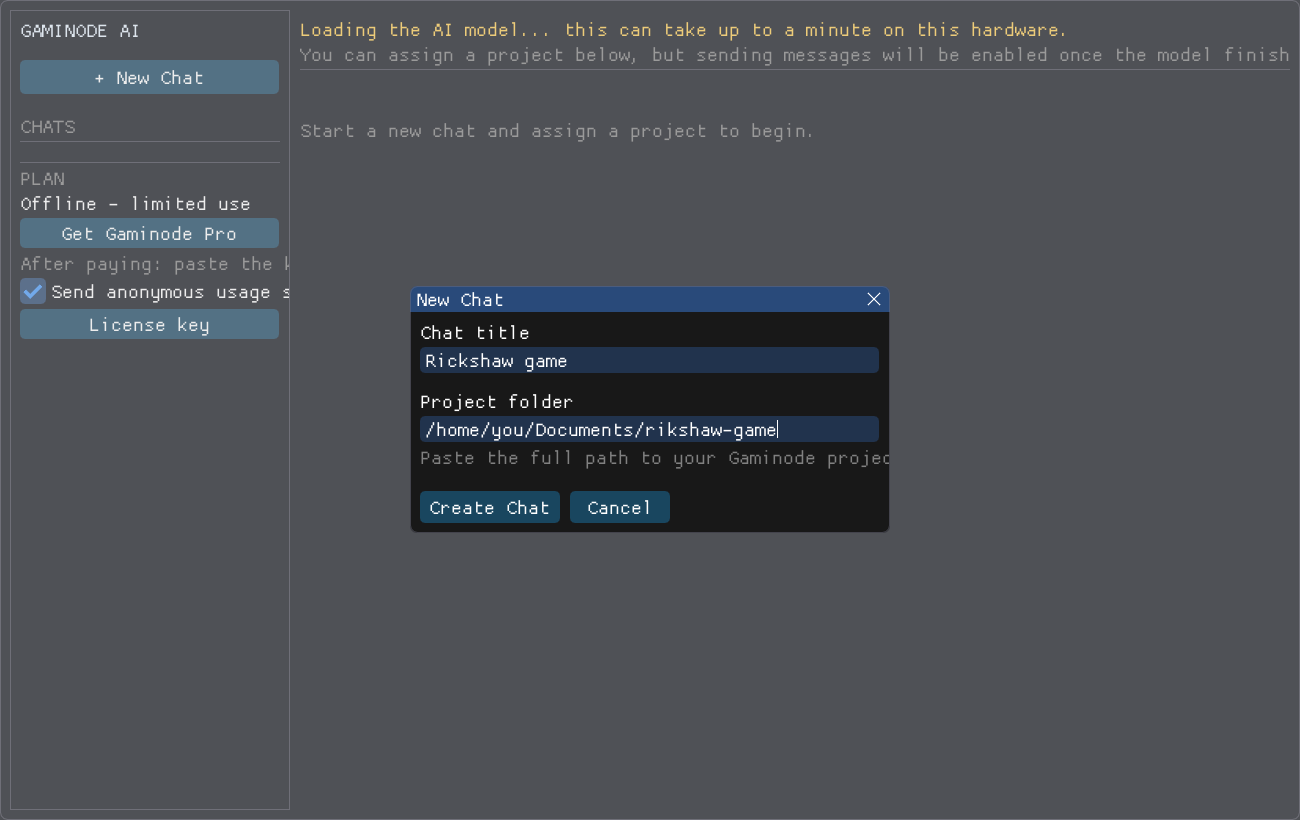
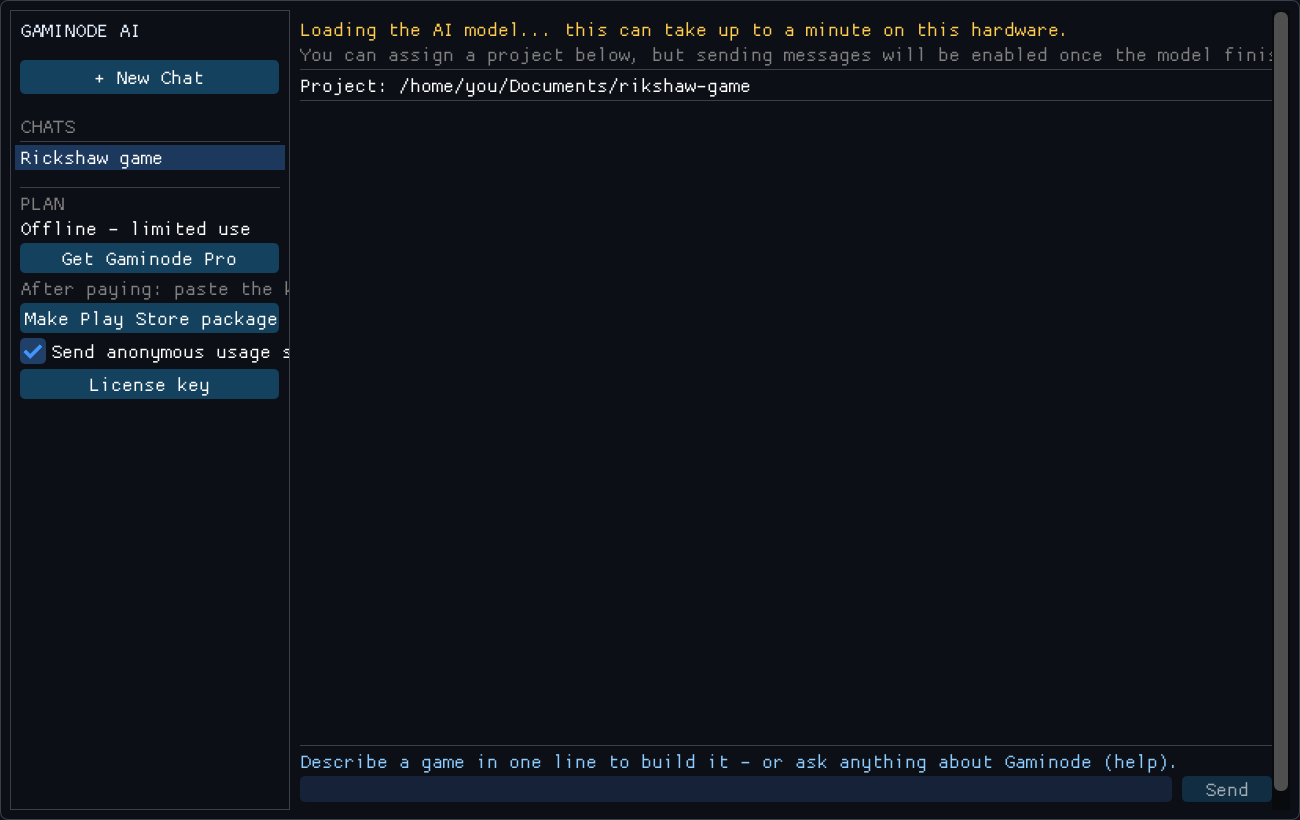
- Click + New Chat and choose an empty folder for the game, for example
Documents\rickshaw-rush. Each chat belongs to one project folder.
2. Describe your game
Write one line that says who you are, what comes at you, what you collect and how you win. English and Hinglish both work.
Type into Gaminode AIdrive a rickshaw on a 3 lane highway, dodge the trucks, collect coins, survive 60 seconds, 3D
More examples:
guide a little robot through a labyrinth to pick up every bolt while patrol drones hunt it
slide the frying pan left and right to catch falling pancakes, don't catch the burnt ones, 12 pancakes
goblins march down the winding road toward the village, my archer tower shoots them, survive 6 waves
ek ninja maidan ke beech mein hai, har taraf se zombie aate hain, 90 second zinda raho
3. Check what the AI understood
Before building anything, Gaminode AI shows its plan and asks if it's right:
Gaminode AIHere's what I understood:
- Game: a 3-lane road: switch lanes to dodge traffic
- You: rickshaw
- Enemies / dangers: truck
- Pick up: coin
- Win: survive 60 seconds
- Lives: 3
- Look: 3D
- Theme: day, 10 levels, each a bit harder

Should I build it? If something is wrong, just tell me what to change.
If something is off, say so in plain words, for example "5 lives" or "night theme". When it's right, answer Yes, build it.
If your request is unclear, the AI asks a question and offers a few options instead of guessing.
4. Play it
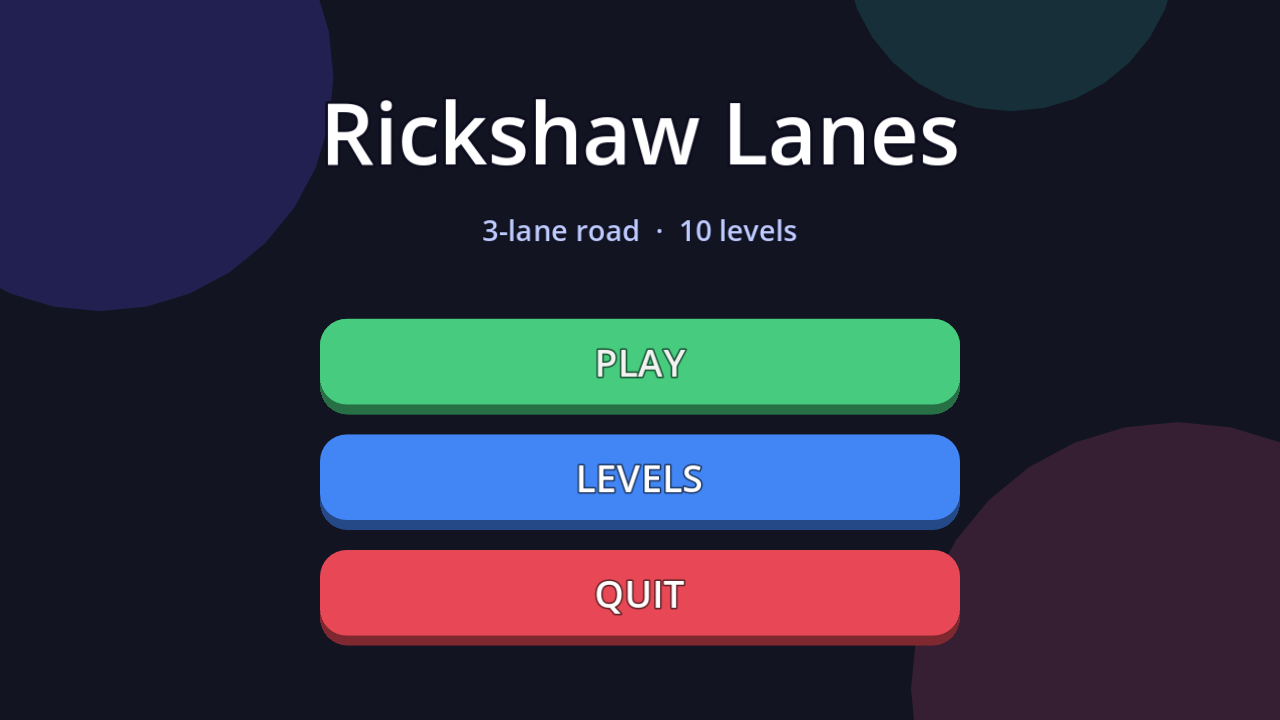
When the AI says Game ready!, switch to the editor and press F5. The game starts at its main menu: PLAY starts the next unlocked level, LEVELS opens the level select, and finishing a level unlocks the next one.
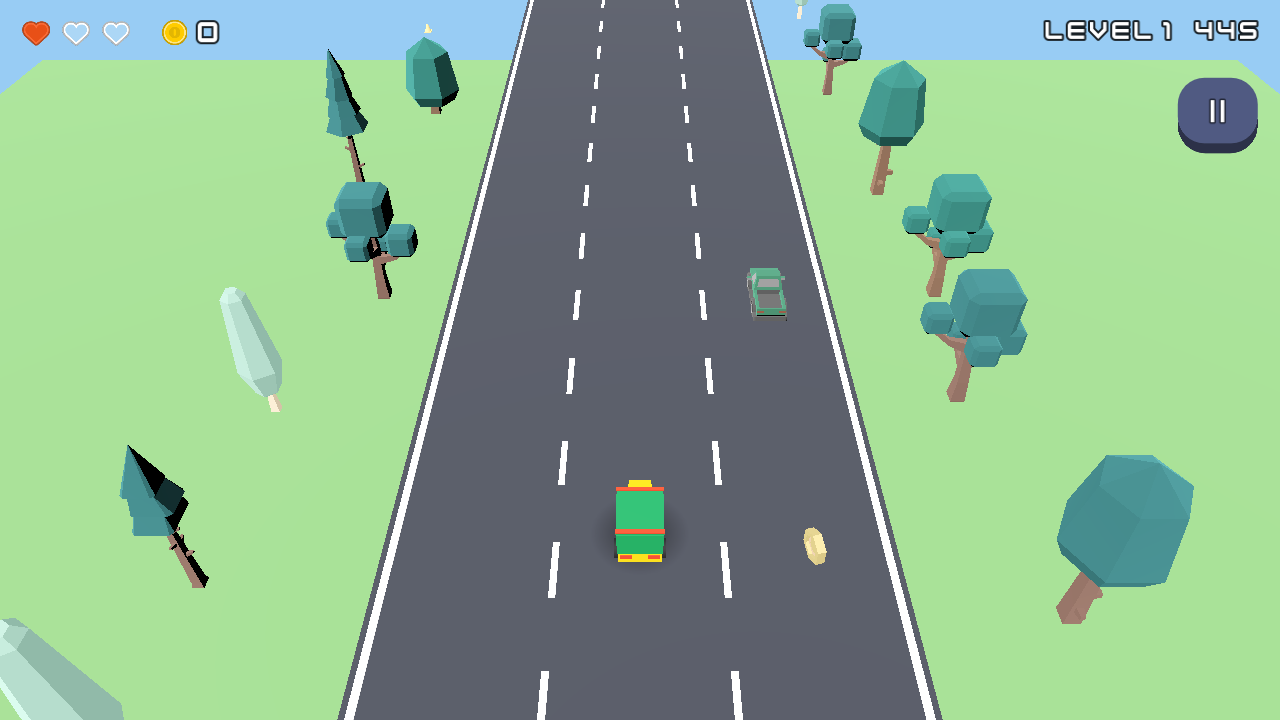
The first time, the game downloads its art (CC0 sprites and models from Kenney, KayKit and others) and keeps it in the project, so it plays offline afterwards. Until a 3D model arrives, a simple shape stands in for it.
5. Change it by chat
Keep talking in the same chat. Each change updates the project in place:
trucks faster
night theme
5 lives
make it 2D
add more coins
Changes you made yourself in the editor are kept when you change the game by chat.
Ask questions too: "is it 3D?", "how many levels?" or "how do I win?". Answers come from your actual project, not from guesses.
6. What's inside the project
Everything the AI made is a normal Gaminode project. Open these from the FileSystem panel in the editor:
| File or folder | What it is |
|---|---|
scenes/MainMenu.tscn | Title, PLAY, LEVELS and QUIT. This is the main scene that F5 starts. |
scenes/LevelSelect.tscn | The 10 level buttons with stars and locks. |
scenes/Main.tscn | Plays one level: HUD, pause, the level-complete screen and phone buttons. |
game/levels/Level_01.tscn to Level_10.tscn | The 10 levels. Open one and press F6 to play just that level. |
game/entities/ | The player, enemies and pickups. Each is built from parts (Health, Jump, Shoot ...) you can change in the Inspector. |
game/game.json | The game's plan in one file. The AI reads it to answer questions and make changes. |
You can move, restyle and extend all of it. Text, colors and button layout live in the scenes, so changing them in the editor is safe.
Game types
The AI picks one of these types from your description. The 3D look is available for the ones marked 3D.
| Type | Example | 3D look |
|---|---|---|
| Lanes | switch lanes to dodge traffic | Yes |
| Maze | collect everything while ghosts chase you | Yes |
| Collect | pick up all the flowers in the garden | Yes |
| Dodge | survive while enemies come from every side | Yes |
| Shooter | shoot what comes from the top | Yes |
| Catch | catch falling things with a basket | Yes |
| Boss | beat one big enemy | Yes |
| Defense | a tower stops waves on a path | Yes |
| Breakout | break bricks with a ball and paddle | Yes |
| Platformer | run, jump over gaps, reach the goal | 2D for now |
| Runner | run forever, jump over obstacles | 2D for now |
| Flappy | tap to fly through gaps | 2D for now |
Daily limit
On Starter, Gaminode AI has a daily limit on new games. Changes and questions have a larger limit. The counter resets at midnight. Gaminode Pro, and the 7-day Pro preview every new account gets, has no daily limit.
Next steps
- Learn how the editor works by building a game yourself: Your first 2D game by hand.
- Check your game with Project > Tools > Gaminode: Health Check before you publish it.
Something wrong or missing on this page? Email gaminodeofficial@gmail.com.