Gaminode Asset Store: start from a real, playable game
Game templates and asset packs made by the Gaminode team. Every template has menus, levels and mobile controls built in. Open it, press Play, then make it yours.
Game templates
Creates a new project in one click from the Templates tab.
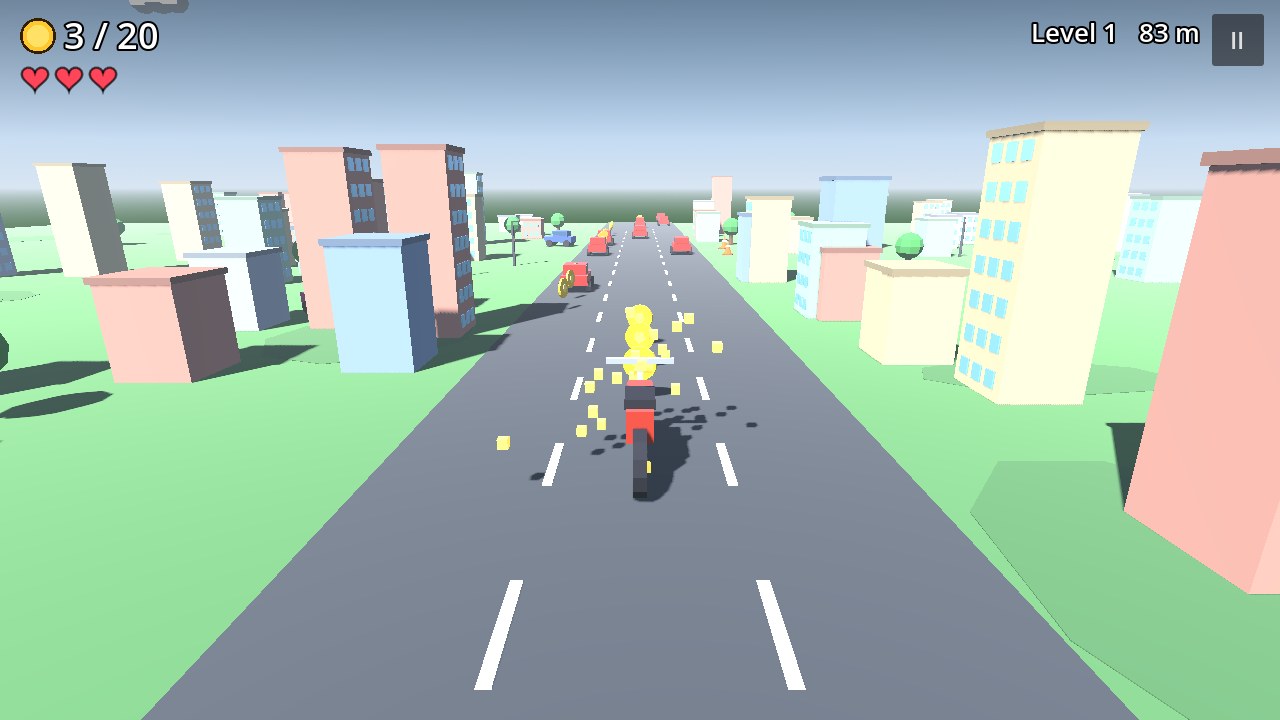
3D Bike Racer with Garage
Dodge traffic on a bike, earn coins, buy faster bikes in the garage.
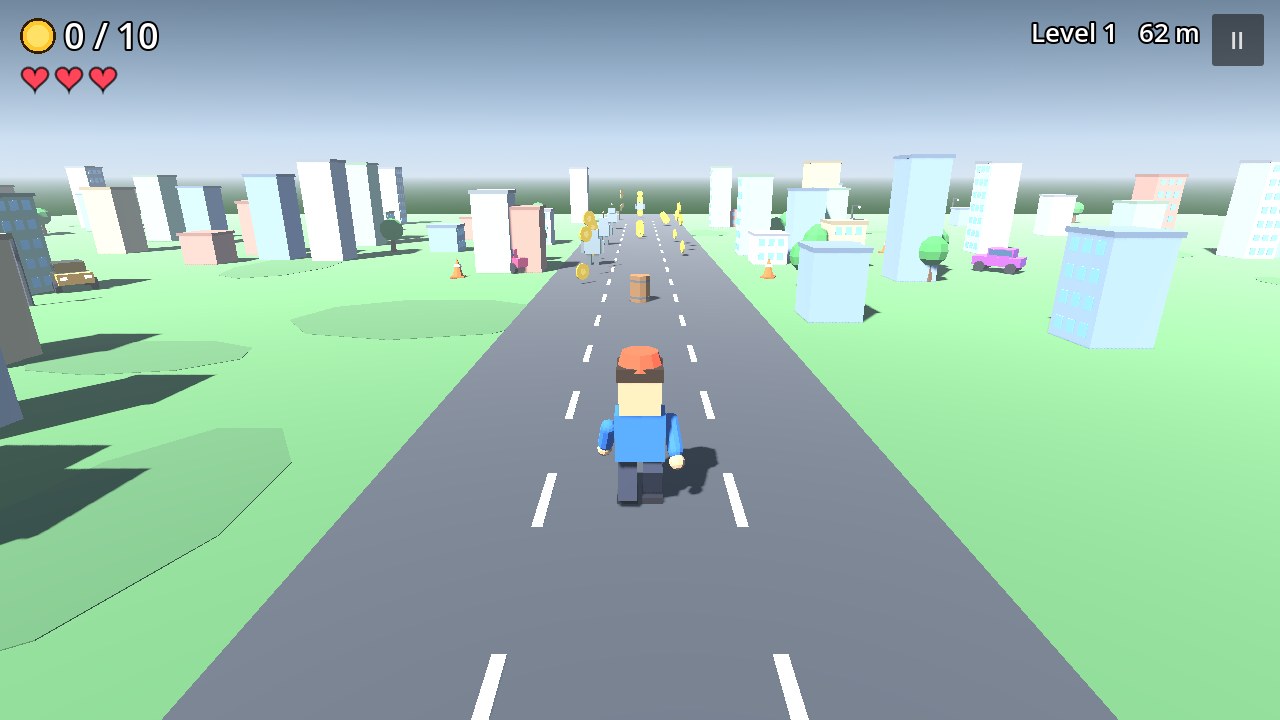
3D City Endless Runner
Three-lane runner through a low-poly city with levels, coins and menus.
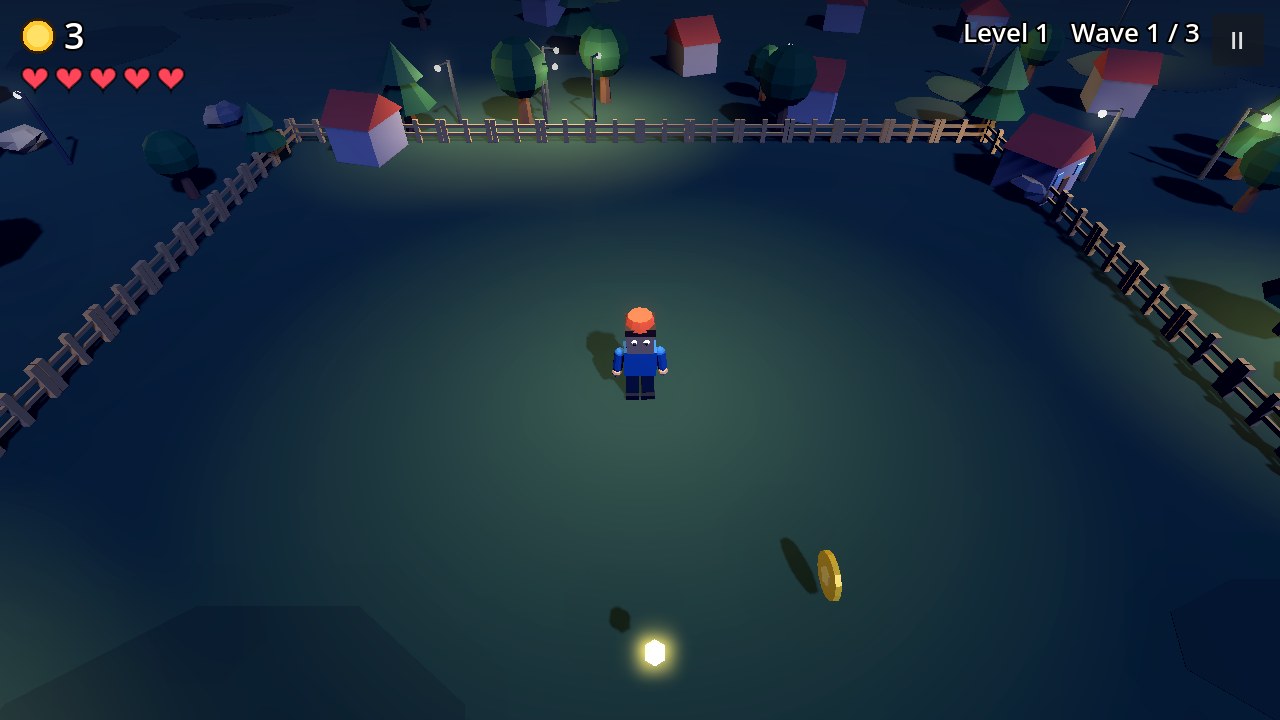
3D Zombie Arena Survival
Survive waves of zombies in a night arena with auto-shoot and a boss.
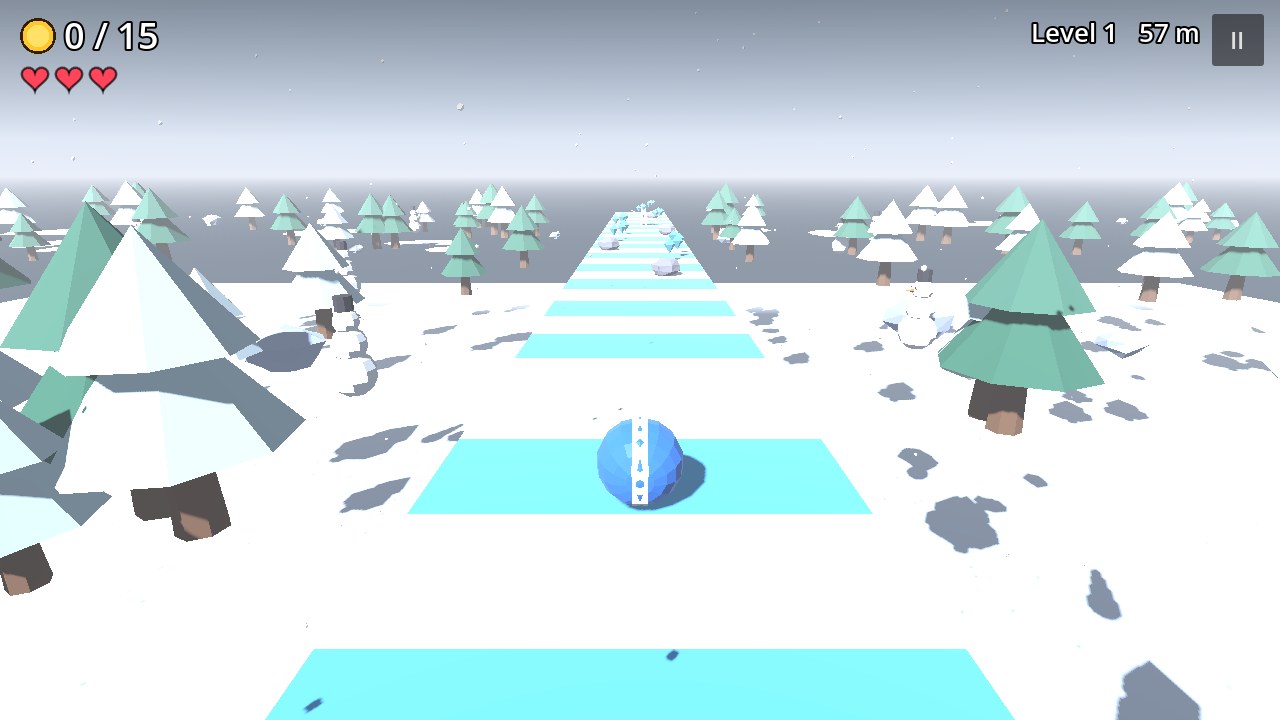
3D Snow Ball Roller
Roll a ball down a snowy track, collect gems and avoid rocks.
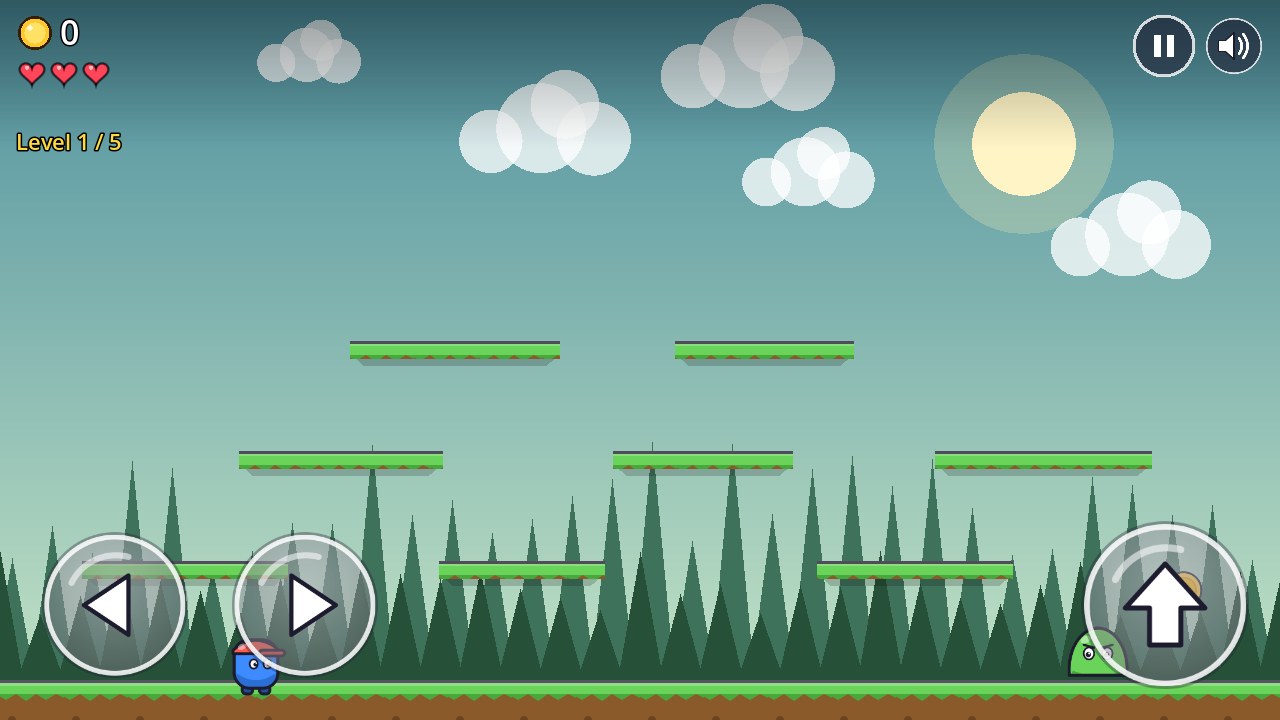
2D Forest Platformer
Jump across platforms, collect coins and stomp slimes. Touch controls included.
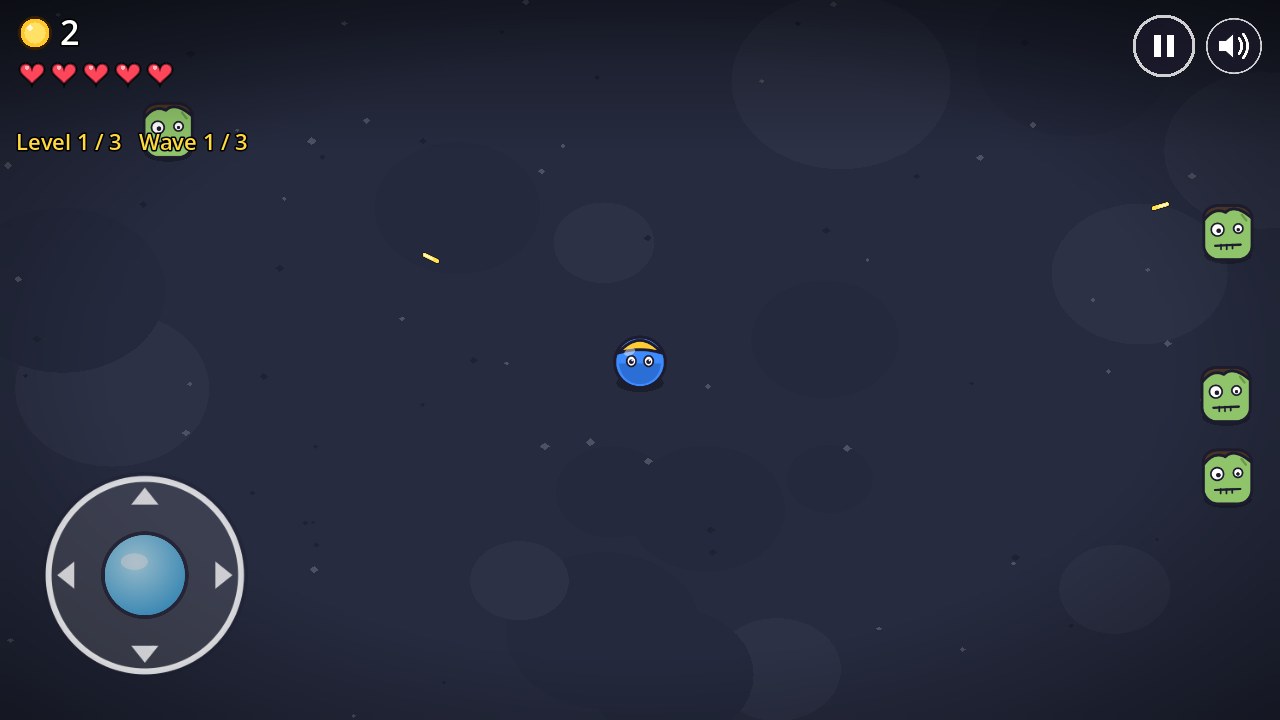
2D Top-Down Zombie Shooter
Top-down survival: shoot incoming zombie waves at night.
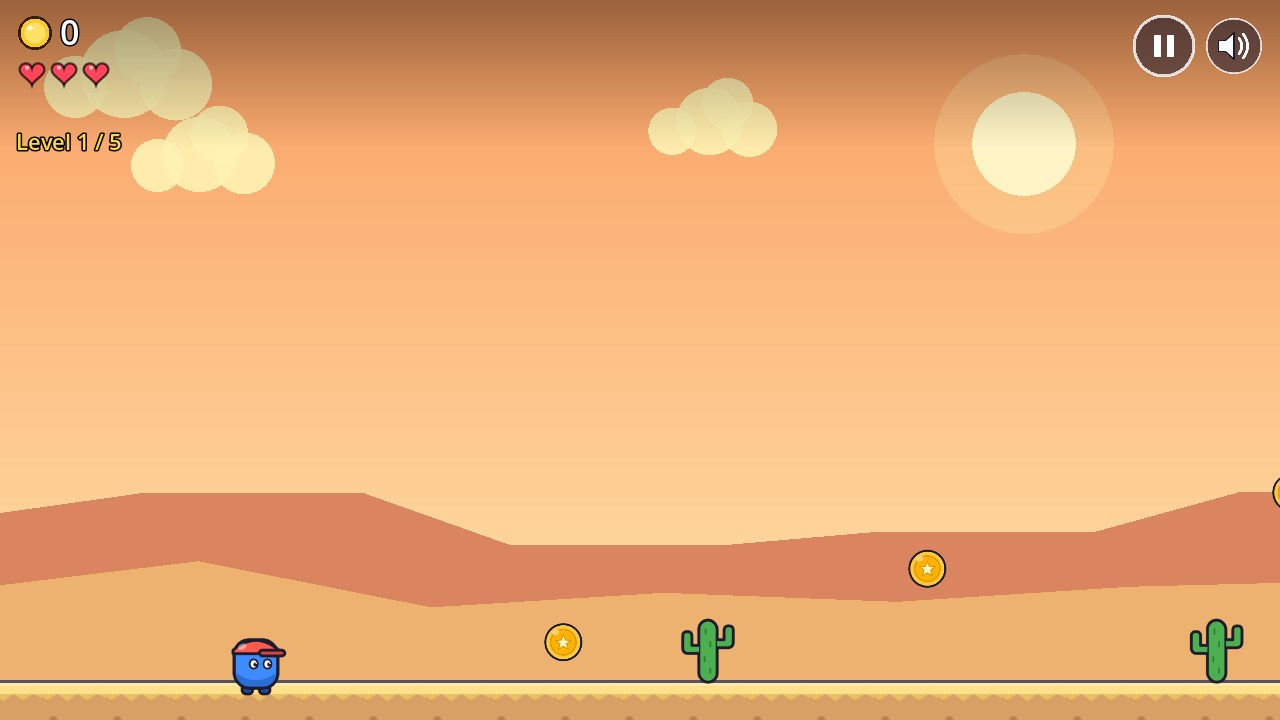
2D Desert Runner
Classic side-scrolling runner: jump cactuses and grab coins.
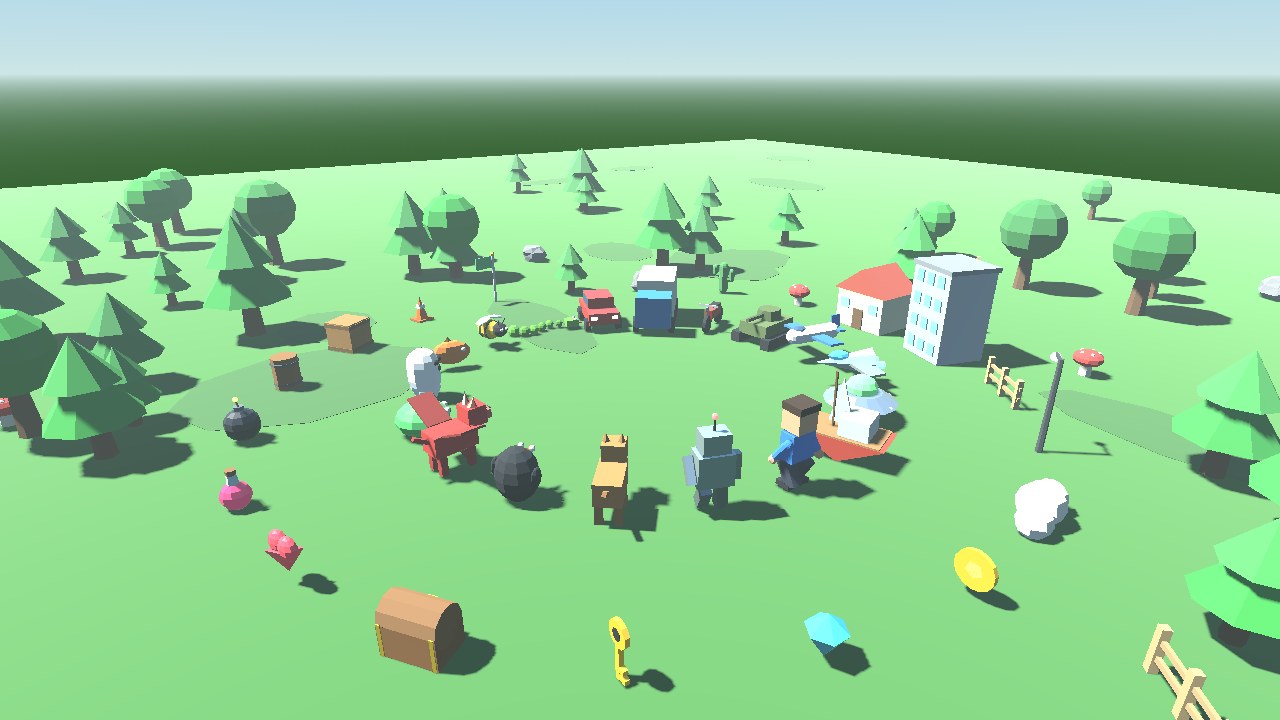
Asset packs
Add to any project from the Asset Store tab in the editor.
How to use them
Open Gaminode. In the Project Manager, go to the Templates tab.
Pick a template, press Download, then Install. A new project opens.
Press Play. Change the game in spec.gd or ask Gaminode AI to change it for you.
For asset packs, open your project and use the Asset Store tab.